PC Tech Magazine·3 min read·medium
How I Achieve a Deep Clean After Uninstalling with IObit Uninstaller
G
ghumro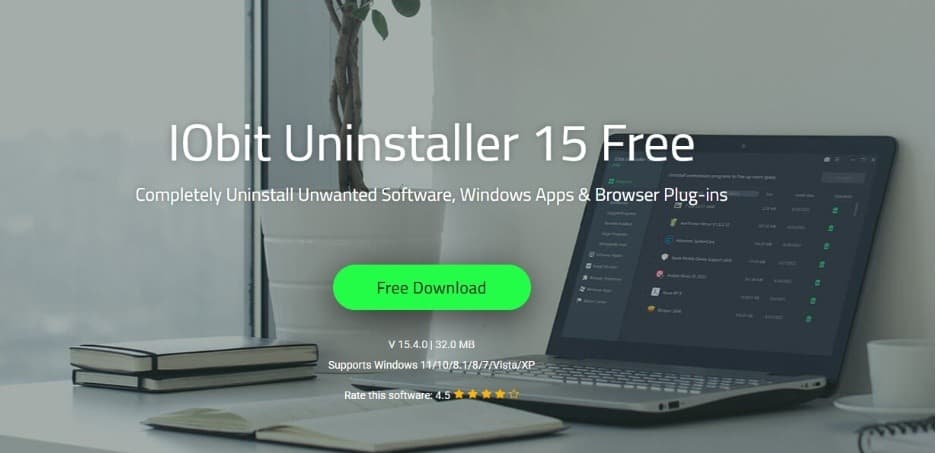
✦AI Summary
A tech enthusiast reviews IObit Uninstaller, highlighting its ability to remove leftover registry entries and cache files that standard Windows uninstallers miss. The author argues that deep cleaning software helps maintain PC performance over time.
I’ll admit it—I used to think uninstalling a program from Windows was enough. I’d open Apps & Features or the Control Panel, click Uninstall, and assume the software was completely gone. It wasn’t until my PC started feeling slower after months of installing and testing different applications that I realized how much was left behind.
technology
✦
Get the full story
Sign up for Headlinne to unlock AI insights, political bias analysis, and your personalized news feed.
Create free accountAlready have an account? Sign in